


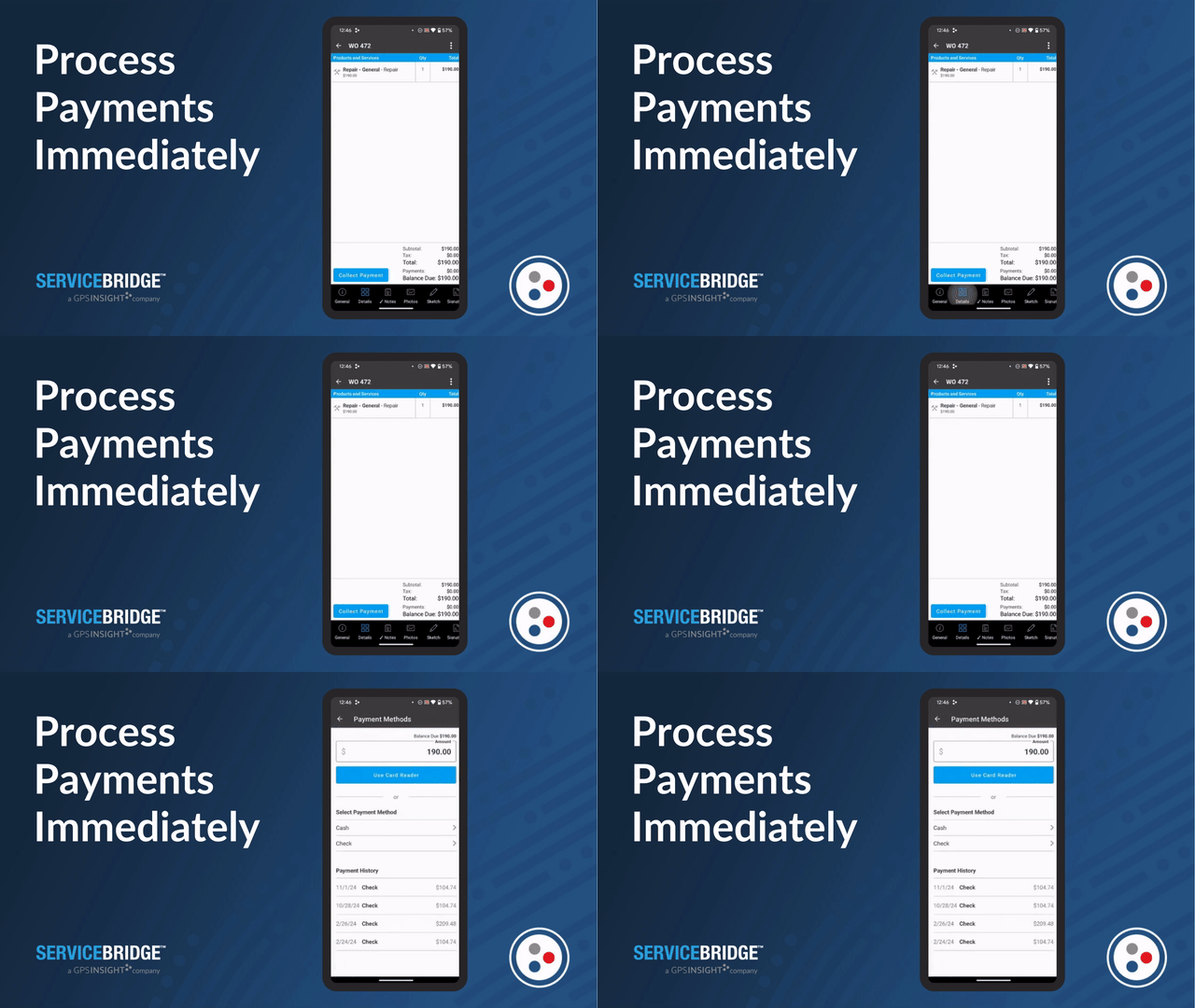


ENTERPRISE WORK ORDER MANAGMENT
Seamless features on any device:
work orders, GPS tracking, personalized invoicing.
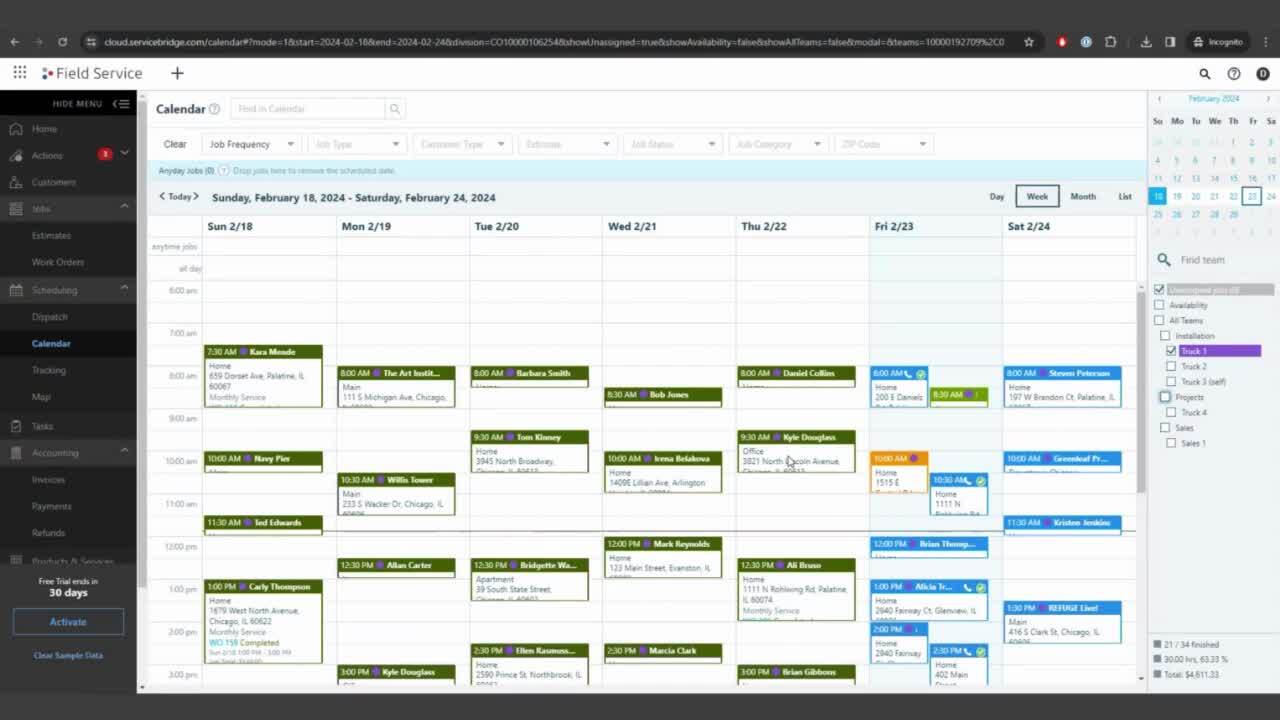
You no longer have to track tech work orders manually. Everything is done in real-time through mobile apps. You can quote jobs, create work orders, and actually invoice in the same tool in the field. Report on your own unique database with specific users, parts, customers, and assets. It’s easy to track what has been billed, what hasn’t, and how fast you are billing.
MAXIMIZED INTEGRATIONS
Powerful Features for Your Business

Customer History
Create and manage detailed customer records with our robust CRM functionality.

QuickBooks Online
Eliminate data entry and get paid faster with two-way QuickBooks Online integration.

Dedicated Support
Talk to a live ServiceBridge expert via e-mail, chat, or phone to quickly troubleshoot problems.

Detailed Reporting
Get crystal clear insights into your business operations with our real-time reporting engine.

Custom Roles
Give each team member customized permissions, set commission roles for sales reps, and more.

Asset Management
Create detailed documentation, service schedules and more on installed equipment with asset management functionality

Start your free 30-day trial now.
Get access to ServiceBridge for small business. Packages as low as $49/mo after that.
Risk-free, cancel anytime!
Customer Testimonials
Working with GPS Insights, we have a level of professionalism we didn't have before. Our customers really enjoyed it. With GPS Insight, our ability to grow has increased without having to add more office staff. The application works exactly the way we dreamed it would.
Joe Felegi
President, Critter Control

Benefits
- Unlimited time-stamped photos and videos
- Sketches and drawings
- Fast syncing between office and field
- Customer-facing and private notes
- Mark exact location with Drop a Pin
- Manage customer equipment with Asset Management
- Capture Signature on completion
- Custom fields tailored to your workflow
- Past Due Invoice notifications
- Custom invoice terms
- Card reader support
- Refund management
- Quickly create new jobs based on team availability
- Easily view schedules by team for the day, week, or month
- See job status in real time
Become a Customer
As low as $19.95/month